Create
Apply the profile limit, allowed protocols, traffic limit and server access set on the billing product.

VPN management software
Create, suspend and cancel customer services from the systems your hosting business already uses. Run the VPN servers on infrastructure you control.
Billing integrations
Products, orders, invoices and failed-payment handling stay in your billing platform. The module tells VPN Dashboard when to create, suspend, restore or cancel access.
Check module compatibility






01 Product
Staff manage services and servers, changes in your billing platform update customer access, and customers manage their own device profiles.
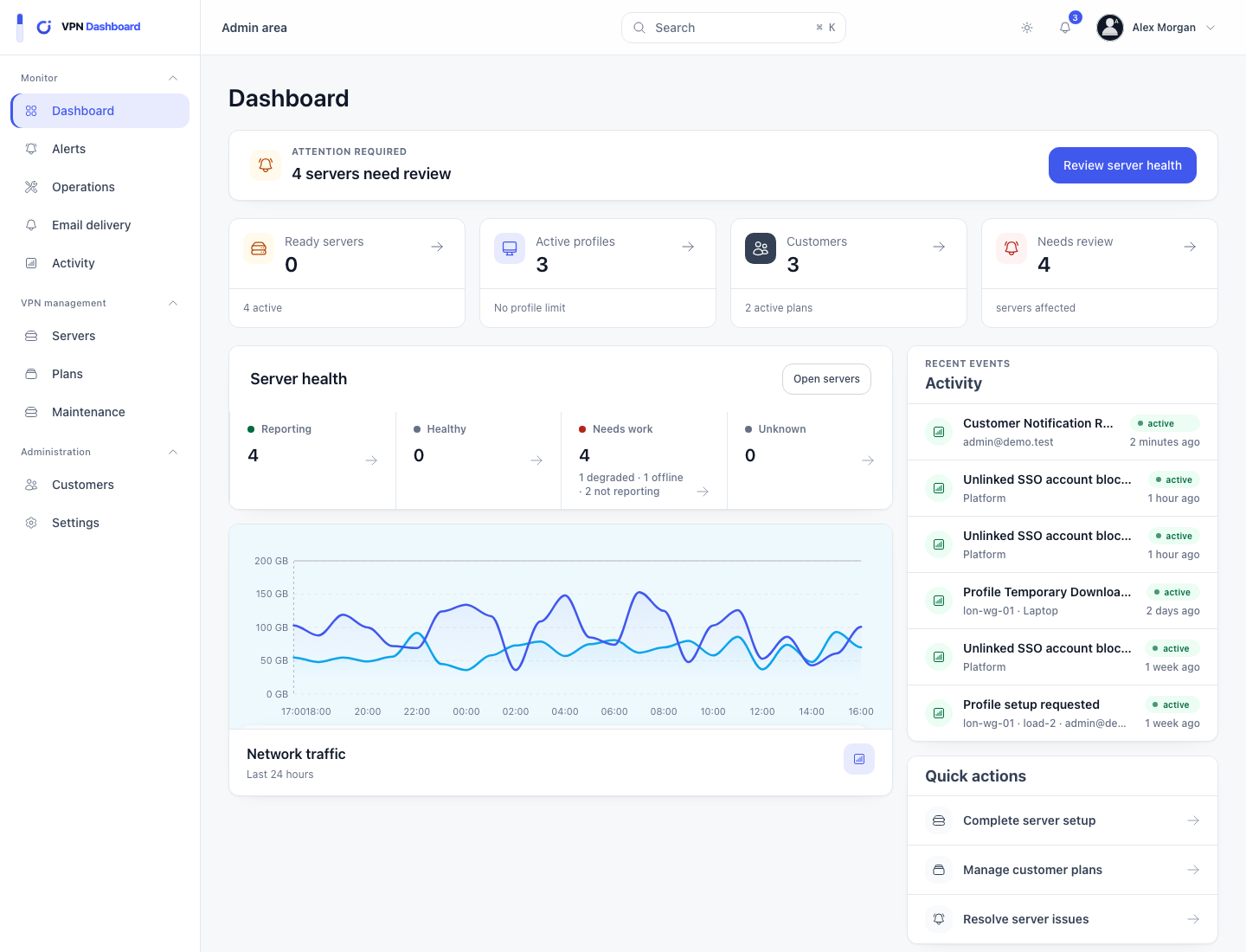
See active services, profile usage, recent account changes and VPN server health. Open a failed change from the customer or server it affects.


Connect supported Linux servers wherever you choose. Customer traffic passes through them, while VPN Dashboard handles only the VPN and maintenance tasks it supports.
Customers create, replace and download device profiles from a separate portal using your logo, colours, domain and support details.

02 Automation
Supported modules create access when an order is activated, suspend it when required, restore it after payment and remove it after cancellation. Failed changes remain visible and can be tried again.
Apply the profile limit, allowed protocols, traffic limit and server access set on the billing product.
Block VPN connections while retaining the service and its profiles.
Re-enable the customer’s existing profiles when the billing service returns to active.
Remove VPN access from profiles attached to the cancelled service.
Each integration page explains what the module supports, what it requires, how to configure it and any current limitations.
03 Pricing
The monthly minimum includes the first 100 active profiles. There is no separate charge for servers or customer accounts.
Getting started
Create your account, connect a supported billing platform and add at least one VPN server.