Customer profiles
Create, rename, download and remove WireGuard or OpenVPN profiles. WireGuard profiles also have QR codes.

Product
Operate WireGuard and OpenVPN services sold through your billing platform. Staff manage services and servers from the control panel; customers manage device profiles from a separate branded portal.
Create an account
Staff use VPN Dashboard to manage services, servers and customer accounts.
When an order is activated, suspended or cancelled, the customer’s VPN access follows.
Your own servers carry customer traffic.
01 Operations
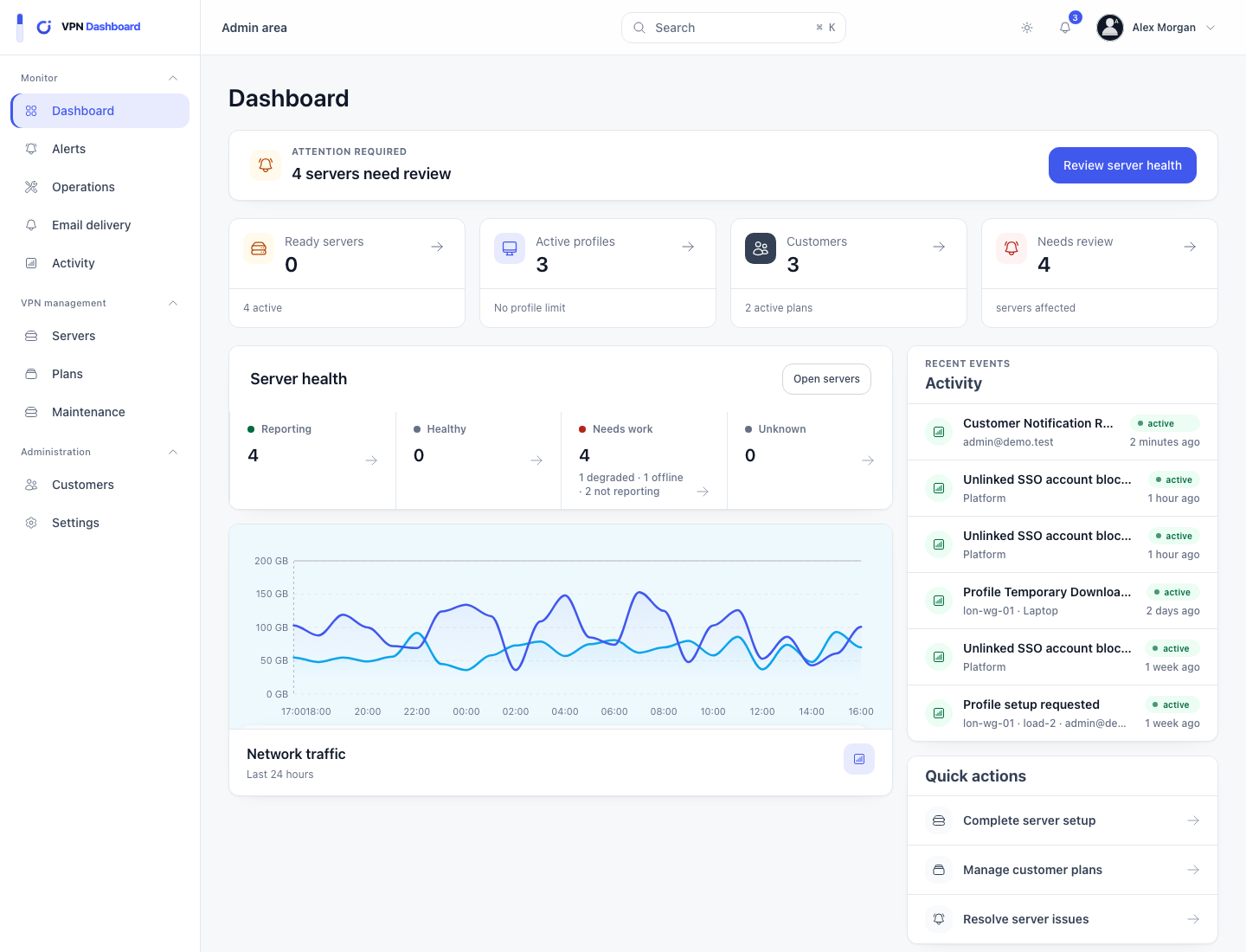
The overview brings together customer services, active-profile usage, recent account changes and VPN server health. Open a failed change from the customer or server it affects.
02 Infrastructure
Each server reports its location, available protocols, health and capacity. The server agent carries out supported VPN and maintenance tasks, while customer traffic stays on your infrastructure.

03 Customer portal
Customers create, rename, replace, move and download their own profiles without access to staff controls. WireGuard profiles include QR codes; OpenVPN profiles provide configuration downloads.

Choose how many profiles customers receive, which protocols they can use, any traffic limit and whether they use shared or dedicated servers.
Create, rename, download and remove WireGuard or OpenVPN profiles. WireGuard profiles also have QR codes.
Customers can use a password or passkey, or open a signed link from a supported billing platform.
Set the number of profiles, allowed protocols, monthly traffic, automatic profile replacement and shared or dedicated server access.
Add your logo, colours and support details, then send selected events by email, Slack, Discord or webhook.
The server agent handles supported VPN setup, health checks and maintenance. It cannot be used to run arbitrary shell commands.
Check the current operating-system, firewall and DNS requirements before connecting a production server.
Read the server guide